

fast
comfortable
secure
Pay with just one move using Apple Pay
Add your OFB card to Apple Wallet and pay for purchases with your iPhone or Apple Watch.
Benefits of Apple Pay
Fast
Confirm the payment and hold your iPhone or Apple Watch near the terminal.
Always near
No need to look for your card in your wallet — all you need to pay is your device.
Comfortable with Apple Watch
Hands full or out for a run? Double-click the side button on your Apple Watch and hold it near the terminal.
Safe
Apple Pay uses your device’s built-in security features to help protect your purchases.
Where can you pay with Apple Pay?
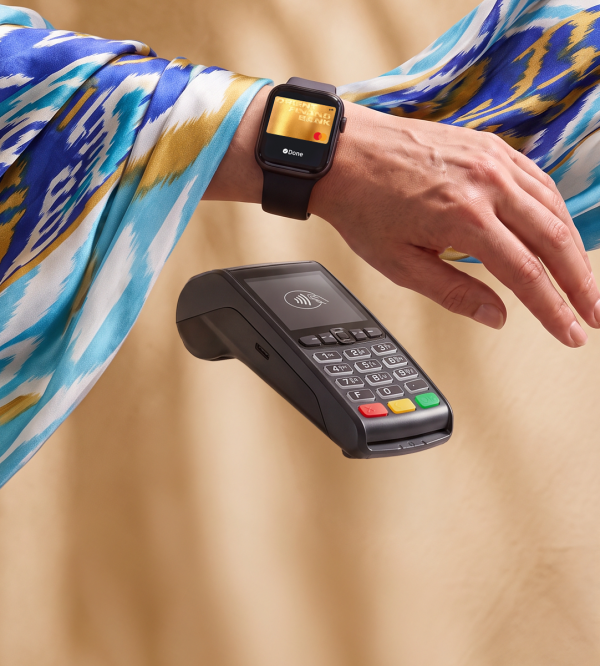
In stores
Confirm the payment and hold your iPhone or Apple Watch near the terminal.
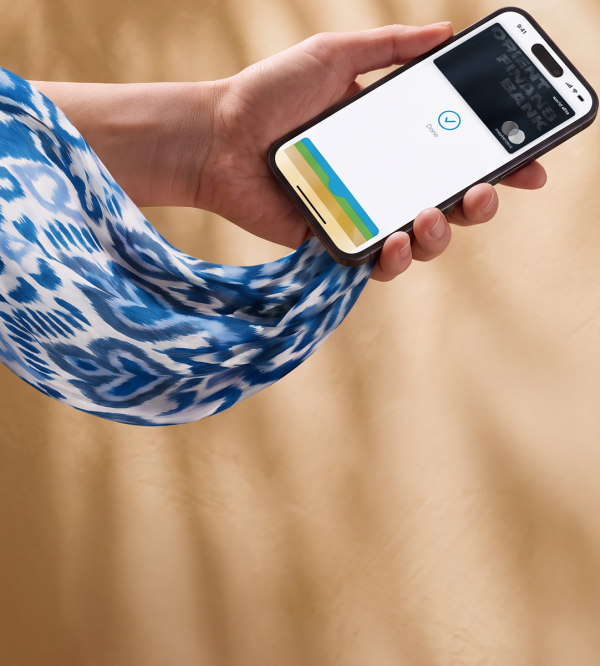
In apps
If Apple Pay is available at checkout, select it as your payment method and confirm your purchase.
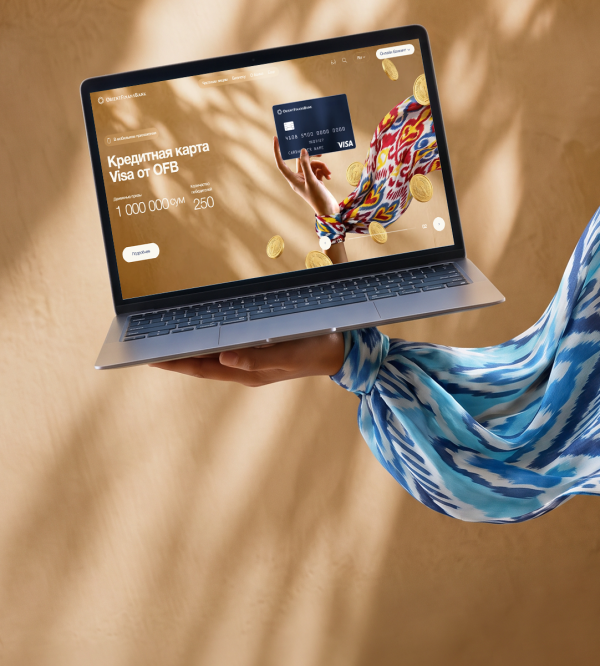
On websites
Select Apple Pay at checkout and confirm the payment using Face ID, Touch ID, or your passcode.
How to add a card

01
Open the Apple Wallet app

02
Tap the “+” in the top-right corner
03
Select “Add Card.”
04
Enter your OFB card details
05
Once confirmed, the card will appear in Apple Wallet
Frequently Asked Questions
Apple Pay is a simple, secure, and private way to pay using Apple devices. Once you add your bank card to Apple Wallet, you can pay for purchases with your iPhone or Apple Watch.
Open Apple Wallet on your iPhone, tap “+”, add your OFB card, and follow the on-screen instructions.
Double-click the side button, authenticate with Face ID, Touch ID, or your passcode, and hold your iPhone near the terminal.
Double-click the side button on your Apple Watch and hold it near the terminal.
In stores with contactless terminals, as well as on websites and in apps where Apple Pay is available as a payment method.
Yes. If the website or app supports Apple Pay, select it at checkout and confirm the payment.
Apple Pay uses your device’s built-in security features. Payments are authenticated using Face ID, Touch ID, your passcode, or another verification method supported by your device.
When you pay, your actual card number is not shared with the merchant.
Apple Wallet allows you to store multiple supported cards and choose the one you want to use before making a payment.
No. Once your card is added to Apple Wallet, you can pay directly with your iPhone or Apple Watch.
You can add OFB Visa and Mastercard cards to Apple Pay
Make sure you’re using a supported OFB card and a compatible Apple device.
If the issue continues, contact the OFB Contact Center at 4004.
1 minute
13.08.2026